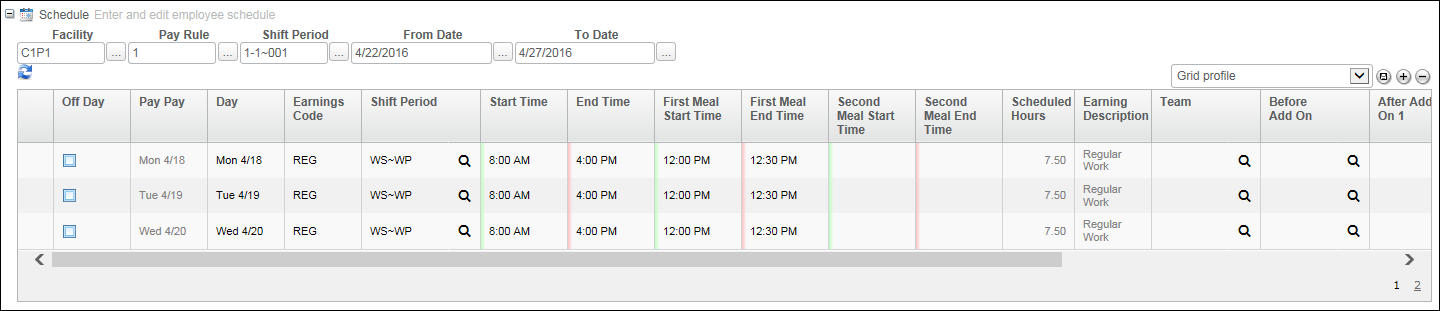
A group schedule is used to create and assign schedules that include the Start Times and End Times of Work Shifts and Work Periods as well as non-working hours such as sick, vacation, and personal time. This pane is available when a group node is selected from within the Resource Explorer (that is, the All Employees node or a Department node). Group schedules help enforce rounding rules and exceptions.
The basic use of group scheduling involves the following steps:
 (Load Schedule),
which creates rows for the selected days. The data in these rows is
derived from the Facility, Pay Rule, and Work Shift/Period.
(Load Schedule),
which creates rows for the selected days. The data in these rows is
derived from the Facility, Pay Rule, and Work Shift/Period. (Save) to apply the schedule to all
of the selected employees.
(Save) to apply the schedule to all
of the selected employees.For more information, refer to Schedule Grid.