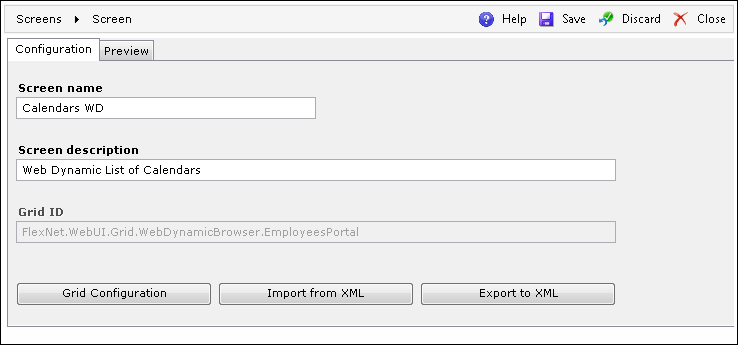
The Configuration tab is used for providing the screen configuration.
These are the available options:
| Field/Button | Description |
| Screen name field | Specifies the name of the screen. |
| Screen description field | Allows the user to briefly describe the screen (not visible in the Preview). |
| Grid ID field | Displays the ID of the screen. |
| Grid Configuration button | Opens the Grid Configuration editor, where the user can define a query (for both MS SQL and Oracle databases) to populate the grid. For more information, refer to the Grid Configuration Editor topic in the Process Builder Help. |
| Import from XML button | Imports the grid configuration from an XML file. |
| Export to XML button | Exports the grid configuration to an XML file. |