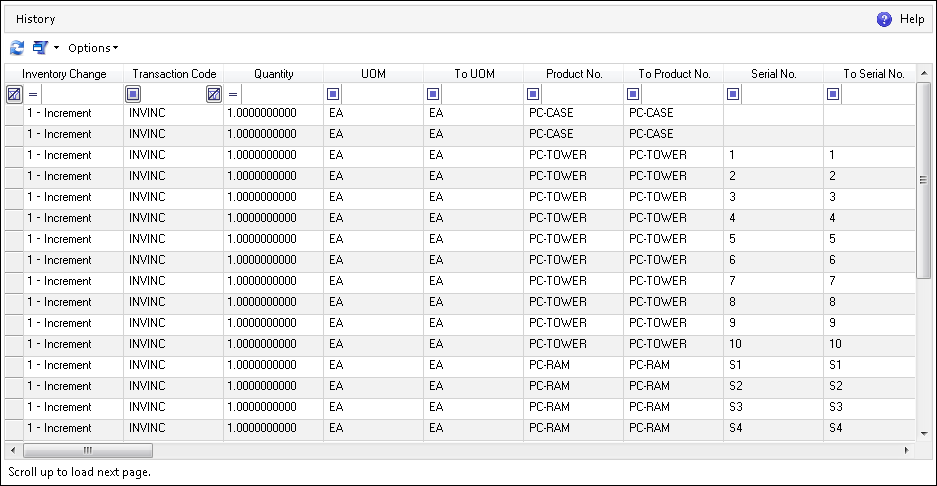
The History screen shows the history of all of the actions performed on the inventory, such as Decrease, Increase, Move, etc. Each action creates a new row in History, with information on the inventory change, transaction code, quantity, UOM, location, etc. When the actions on inventory are performed with use of the appropriate Business Components, it is possible to define whether or not the history should be kept by establishing its type. For more information on Business Components, refer to the Business Components Documentation.
The History screen can be navigated to in the DELMIA Apriso Desktop Client.